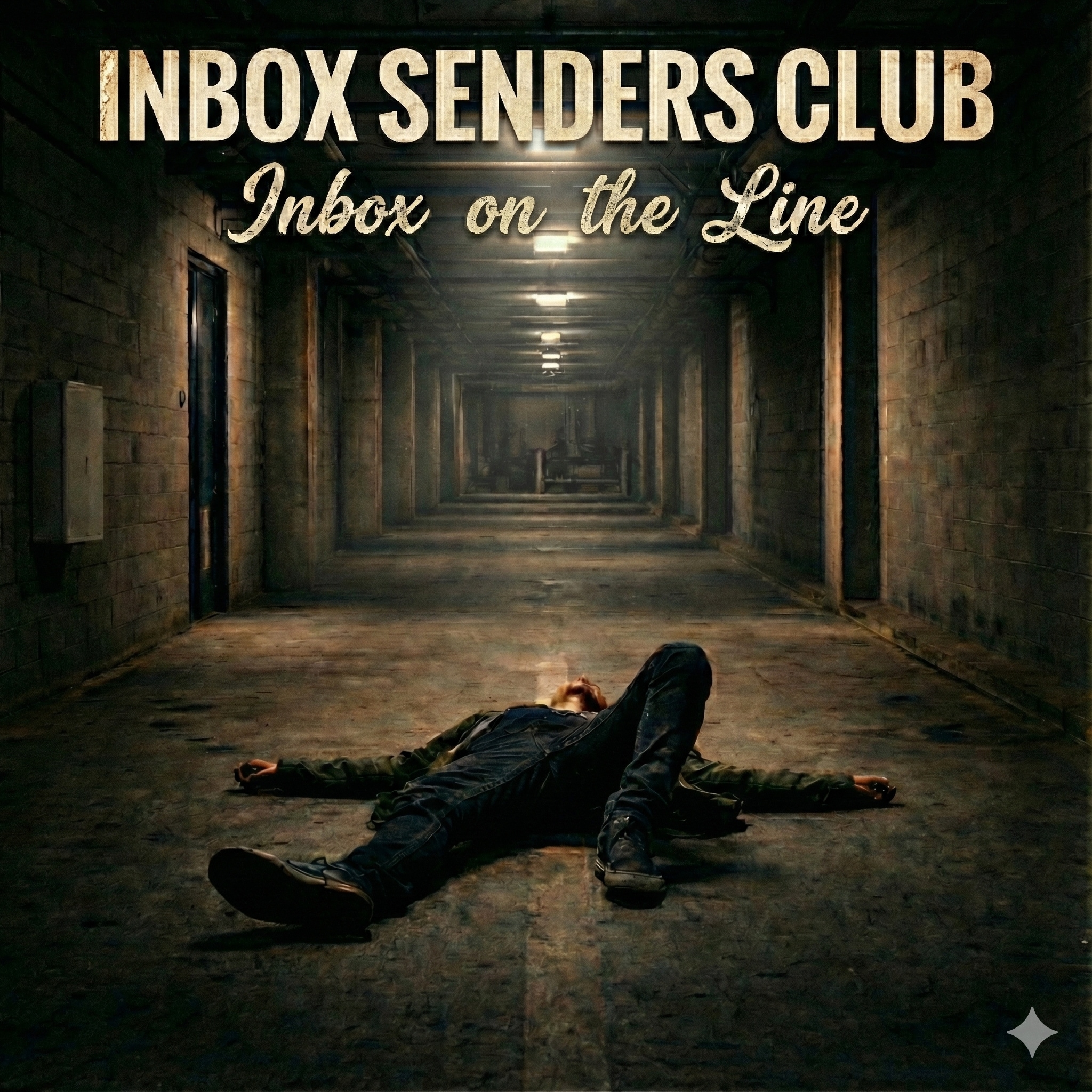
Some senders chase the inbox like a gambler chases a hot streak — fast, loud, and certain it'll all work out. But the ones still standing years later? They learned the long way that the inbox has a memory longer than any campaign calendar. It remembers the shortcuts, the borrowed lists, the volume spikes you couldn't explain. The narrator of "Still in the Inbox" isn't bragging — he's just tired enough to tell you the truth: there are no tricks that outlast time. Here's the wisdom, weathered and plain.
Stand on a Domain That's Earned Its Scars
Reputation isn't something you build in a quarter — it's something the mailbox providers watch you build over years. Your domain carries a history, and that history travels with every send.
- Don't Hop Domains to Escape a Bad Reputation: Burning a damaged domain and starting fresh is the oldest trick in the book, and Gmail and Microsoft see it for what it is. New domains start with no reputation, sit in a probationary period, and face stricter filtering. Fix the underlying problem — the list, the content, the consent practices — instead of running from it.
- Separate Streams by Subdomain: Send marketing from
mail.brand.com and transactional from brand.com or a dedicated subdomain. This isolates reputation so a promotional misstep doesn't poison your password resets and receipts. Each subdomain accrues its own standing with the receivers.
- Watch the Dashboards Like an Old Friend: Google Postmaster Tools and Microsoft SNDS are the only direct windows into how the major providers see you. Domain reputation rated Bad or Low, IP status flagged red — these are early warnings, not eulogies. Check them weekly, not when something breaks.
Let the Signals Confirm — Authentication Done Right
The song says it plain: say what you mean, let the signals confirm. Authentication isn't a checkbox; it's the cryptographic proof that you are who you claim to be.
- SPF Clean and Within Limits: Keep your SPF record under the 10-DNS-lookup limit — exceed it and you trigger a permerror, which fails authentication entirely. Audit nested
include: mechanisms regularly, especially after adding new vendors. Use -all (hardfail) once you're confident in your sending sources.
- DKIM Steady, Keys Rotated: Sign with 2048-bit keys; 1024-bit is considered weak by modern standards. Rotate selectors at least annually, and ensure your
d= domain aligns with your From domain for DMARC purposes. A DKIM signature that always verifies is a sender's quietest, strongest credential.
- DMARC Watching, Policy Enforced: Start at
p=none to gather aggregate reports via the rua tag, then move to p=quarantine and eventually p=reject once you've confirmed all legitimate streams pass alignment. Since February 2024, Gmail and Yahoo require at least p=none for bulk senders, but enforcement is what actually protects your brand from spoofing.
Cadence Like Breathing — Engagement Over Volume
The inbox doesn't reward the loudest sender. It rewards the one whose recipients actually want to hear from them.
- Trust Clicks More Than Opens: Apple Mail Privacy Protection has inflated open rates since iOS 15, making them an unreliable engagement signal. Click-through rate and click-to-open rate tell you who's truly listening. Build your engagement segments on clicks, replies, and site activity — not on opens alone.
- Don't Chase Spikes: Sudden volume jumps look like compromised accounts to filtering systems. Grow sending volume gradually, especially during IP or domain warmup — start at 200–500 per day to your most engaged subscribers and roughly double every two to three days. Steady cadence beats heroic blasts every time.
Cut the Ghosts Loose — List Hygiene Without Sentiment
Holding onto subscribers who never engage isn't loyalty; it's the fastest way to lose the ones who still do.
- Suppress Hard Bounces Immediately: A 550 response means the address is permanently invalid. Sending to it again is a signal of poor hygiene and a fast track to spam-trap territory. Keep your hard bounce rate under 2% — past that, providers start filtering aggressively.
- Honor the 0.10% Complaint Threshold: Gmail flags senders above 0.10% spam complaints and severely throttles those above 0.30%. Make unsubscribe one click — the RFC 8058
List-Unsubscribe-Post header is required for bulk senders to Gmail and Yahoo. A friction-free exit prevents the spam-button alternative.
- Sunset the Silent: If a subscriber hasn't opened or clicked in 90 to 120 days, send a re-engagement campaign. If they don't respond, suppress them. Pristine and recycled spam traps live in old, abandoned addresses — cutting the silent protects you from both.
Conclusion
The inbox doesn't care what you promise — it remembers what you've done. Authentication, reputation, engagement, hygiene: these aren't tactics, they're practices, in the older sense of the word. You repeat them until they become who you are as a sender, and one day you look up and realize the dashboards have gone quiet, and the mail is getting through.
Your Long-Haul Sender Checklist:
- Confirm SPF passes within the 10-lookup limit, DKIM signs with 2048-bit keys, and DMARC is moving toward
p=reject.
- Monitor Google Postmaster Tools and Microsoft SNDS weekly for reputation drift.
- Segment campaigns by clicks and CTOR, not by inflated open rates.
- Suppress hard bounces immediately and keep complaint rates below 0.10%.
- Run a re-engagement series at 90 days and sunset non-responders by 120.
- Implement RFC 8058 one-click unsubscribe in every bulk message.
Educational content. Email deliverability evolves rapidly. Platform rules (Gmail, Yahoo, etc.), engagement signals, and ESP behaviours change frequently, and real-world issues often involve conflicting signals, data quality problems, and failure modes that general best practices can’t anticipate. Content on this site is provided for informational purposes only and does not replace a thorough analysis by a qualified deliverability professional.
Terms of Use